
Live video on your
local network.
Stream from one iPad to up to five others on the same Wi-Fi or Ethernet network. No internet connection needed.
See the apps Get supportTwo apps, one system
Pitch HLS Player
Watch a stream on any iPhone or iPad. Rewind up to 5 minutes, play in slow motion, step frame by frame, and pinch to zoom. Scan a QR code or save addresses to connect fast.
Pitch Streamer
Turn an iPad into a camera. It streams 1080p video at 30 fps to up to five viewers, shows a QR code for them to scan, and records to Photos while it streams.
Pitch HLS Player features
Rewind
Go back up to 5 minutes (adjustable up to 15 in Settings). Hold to rewind, or drag the timeline.
Slow motion
Play at 1/8×, 1/4× or 1/2×, or fast-forward at 2×.
Frame by frame
Step one frame forward or backward to see exactly what happened.
Pinch to zoom
Zoom in on the action and pan around. Double-tap to zoom in or reset.
QR code scanner
Scan the code on the streamer's screen to connect instantly.
Saved streams
Save addresses with names and switch between them in one tap.
Pitch Streamer features
Live 1080p
Back camera video at 1080p, 30 fps, streamed over your local network.
Up to five viewers
Anyone on the same network can watch with Pitch HLS Player.
Record to Photos
Save a full-quality recording to your Photos library while you stream.
No internet needed
A router with no internet connection is enough. The stream stays on your local network.
See it in action
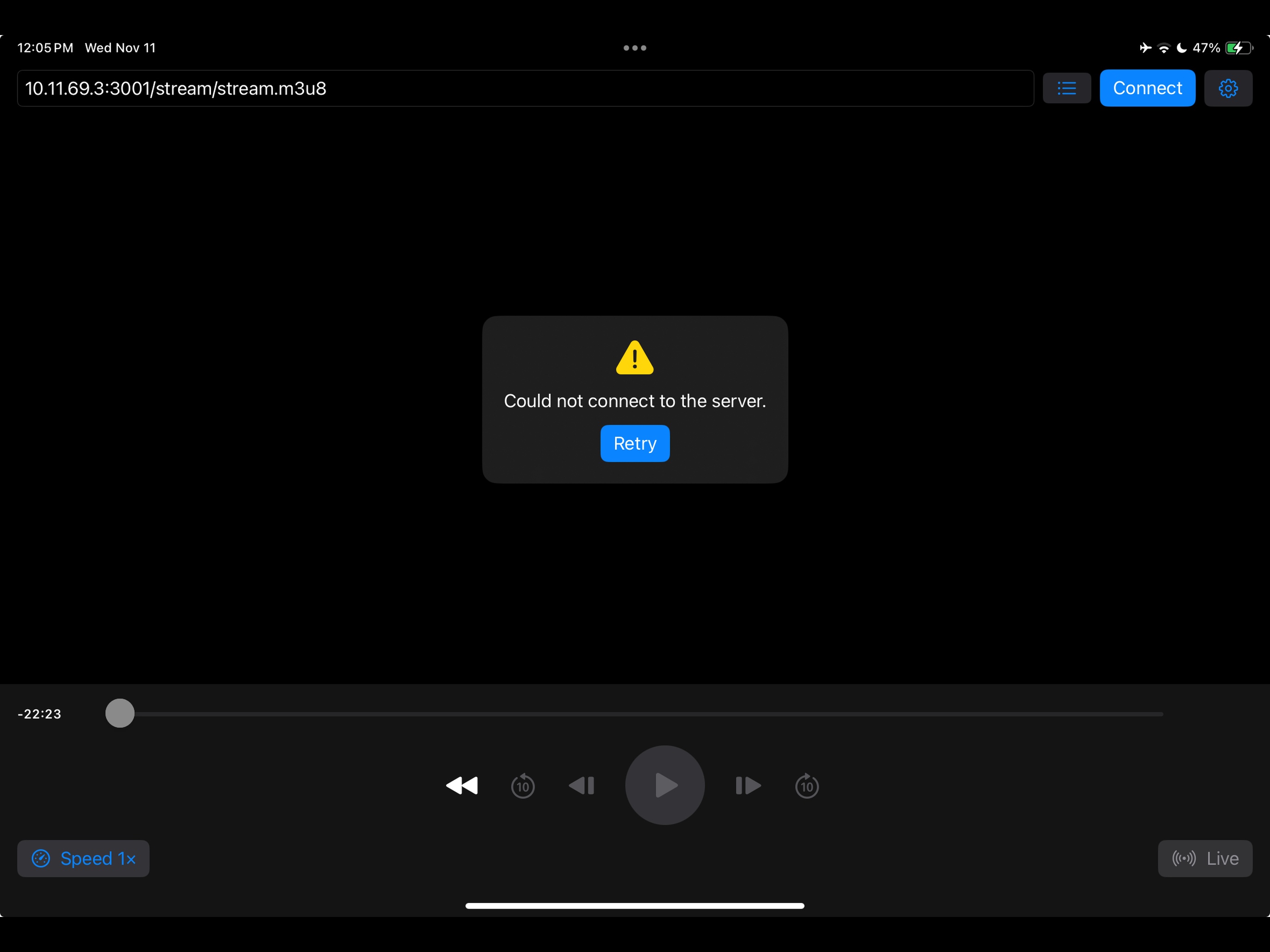
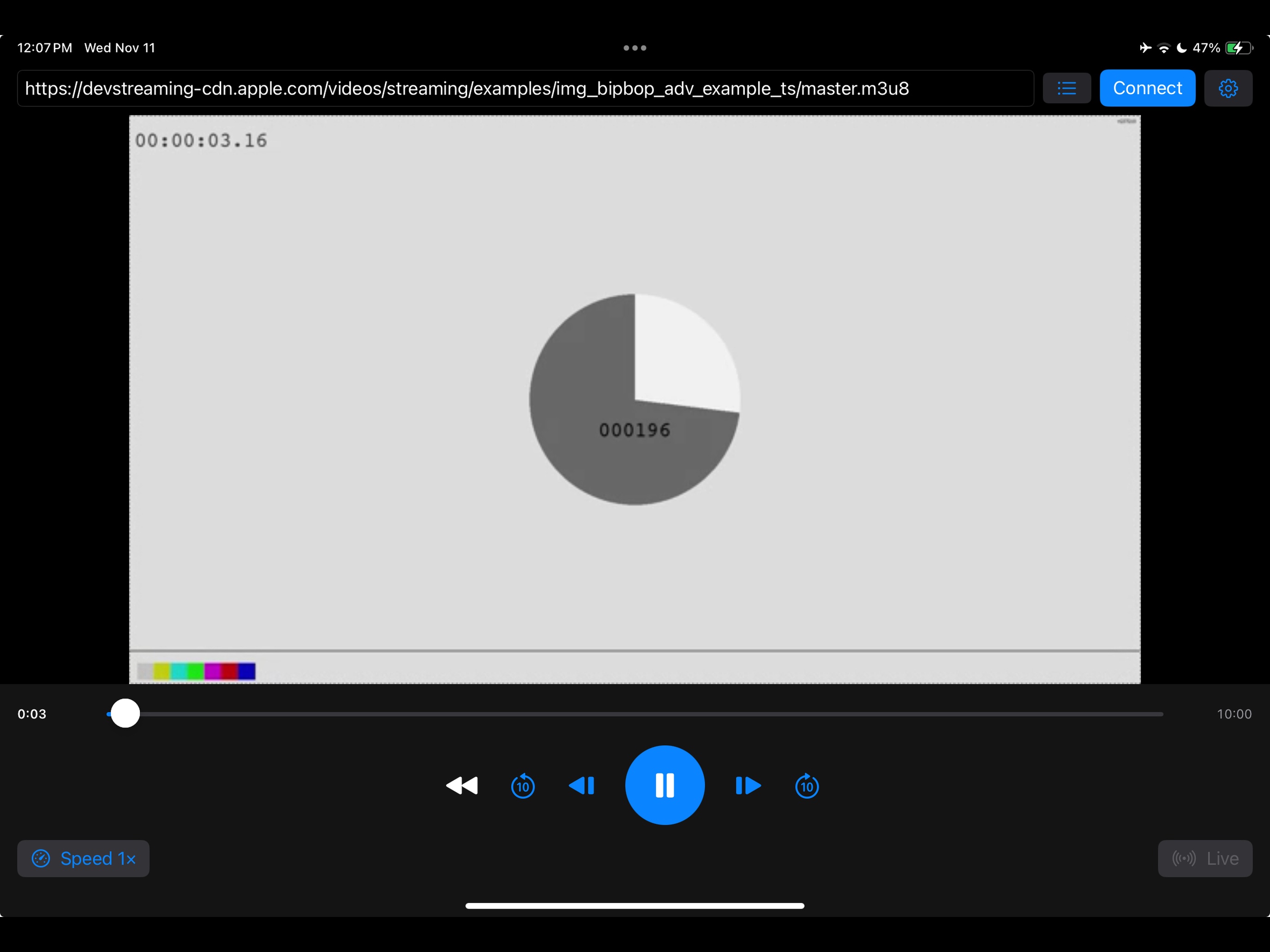
How it works
- Connect the streaming iPad and your viewing iPads to the same router, by Wi-Fi or Ethernet.
- On the streamer, tap Start Streaming. A QR code and address appear.
- On a viewer, scan the code with Pitch HLS Player (or type the address) and tap Connect.
- Allow Local Network access when iOS asks. Both apps need it.
Video is delayed by a few seconds, which is normal for live streaming. Rewind depth depends on how much video the streamer keeps (about 7 minutes).